macOS 27’s Siri AI: is it actually useful yet?
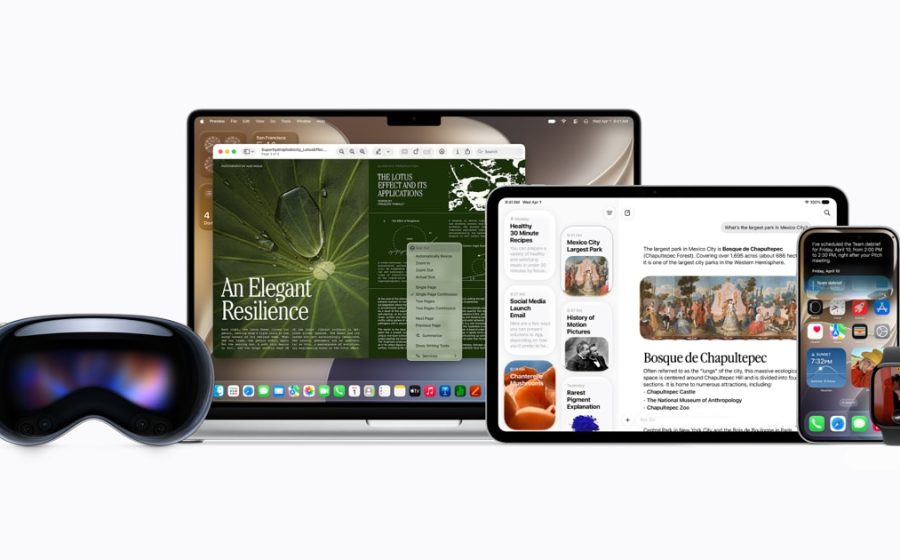
Siri AI is the headline addition to macOS 27 Golden Gate, but it is better thought of as a new starting point for Siri than a reason by itself to upgrade your Mac.
Apple’s biggest change is conversation. Siri AI can handle open-ended questions and follow-ups, use personal context to find information in places such as Mail, Messages and Photos, and take actions in supported apps. On the Mac, Ask Siri also appears through Spotlight, while a dedicated Siri app keeps conversations together.
Those changes address some of old Siri’s biggest limitations. Asking a second question without starting again should make the assistant less frustrating, and being able to find an email or photo from a vague description could be genuinely useful.
There are caveats. Siri AI is initially rolling out in English, and Apple says usage limits may apply. Some Apple Intelligence features that rely on server models have daily limits, with increased access included in most iCloud+ plans, but that does not mean every Siri request is behind a fixed daily allowance.
Our view for launch is simple: judge it on whether it saves time in the apps you already use. A conversational demo is easy to make impressive; reliably finding the right message, file or photo is what will determine whether Siri AI becomes useful rather than merely new.
Discuss it: what would Siri AI need to do before you’d actually use it? Join the discussion in the UKMac community.
Share with friends and support UKMac
Make sure you follow us on X for all the latest Apple news, reviews and competitions.
Recent forum activity
-
Recap: AirPods 5 make noise cancellation standard
By Chris 4 days ago
